12 SCREENS / HTML + PNG
From sign-in to daily work
These screens are illustrative prototypes based on the current MIAO workspace. They use sample data to show entry points, hierarchy and confirmation boundaries.
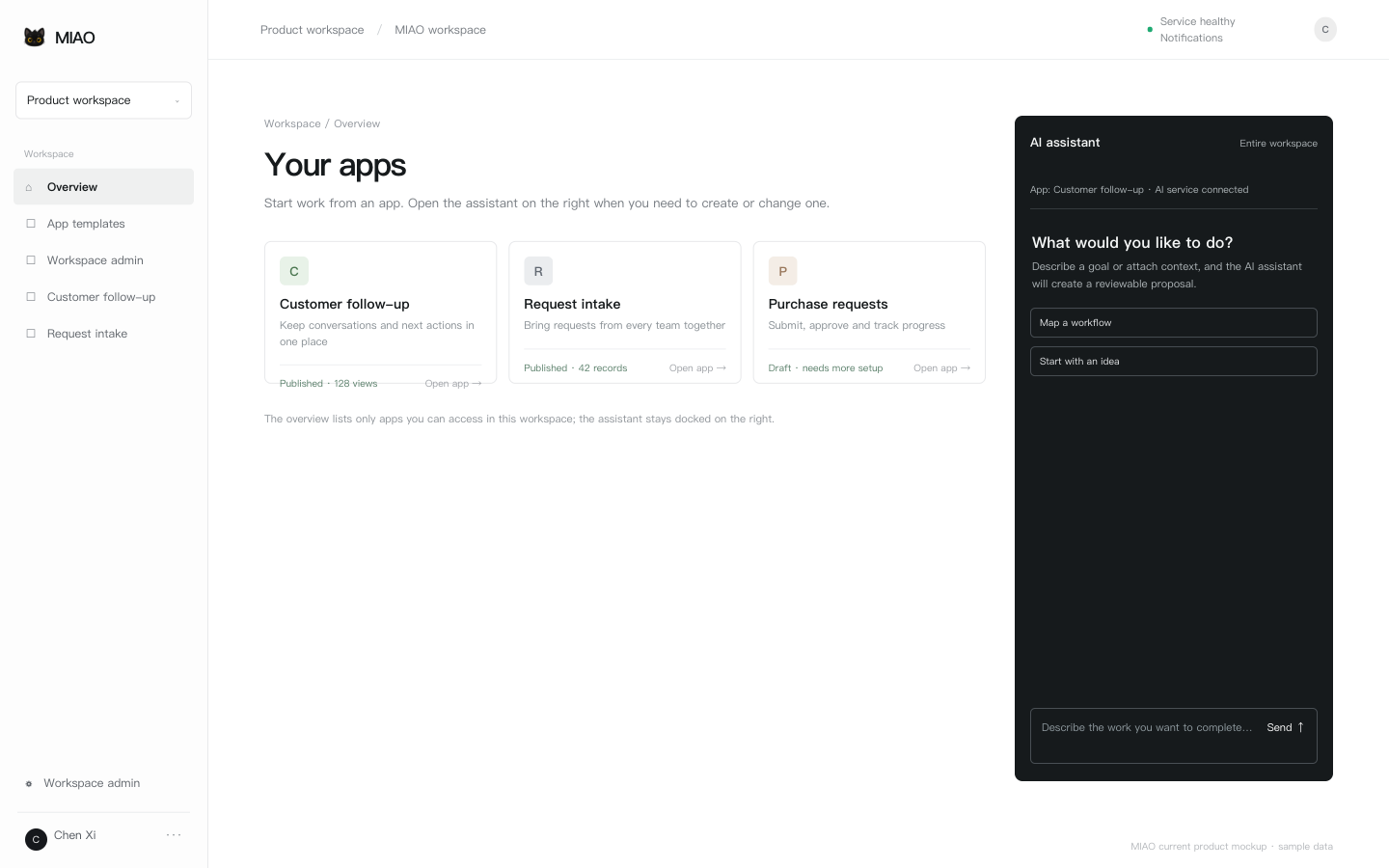 01 MIAO overviewWorkspace overview after sign-in →
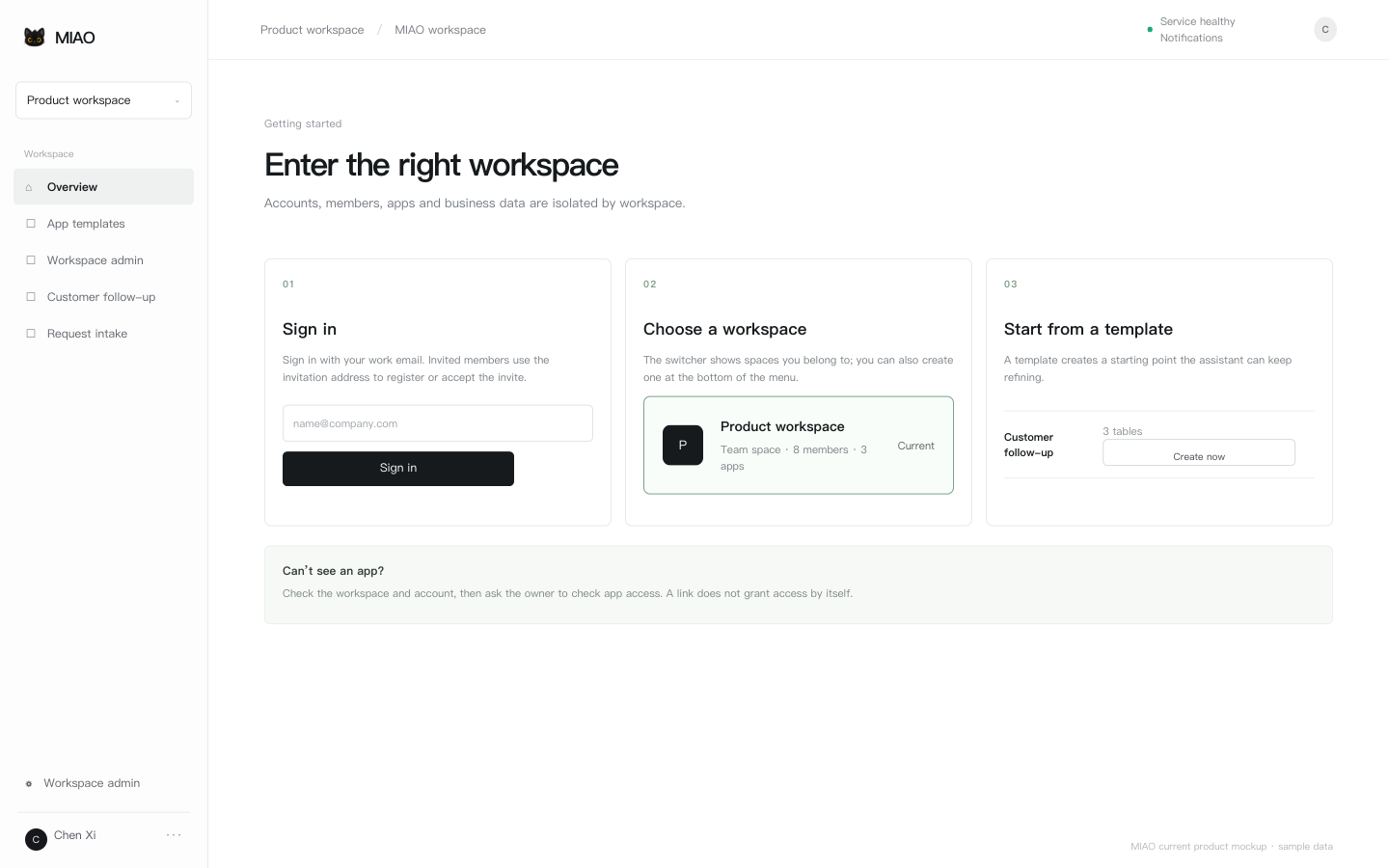 02 Getting startedSign in, choose a workspace and a template →
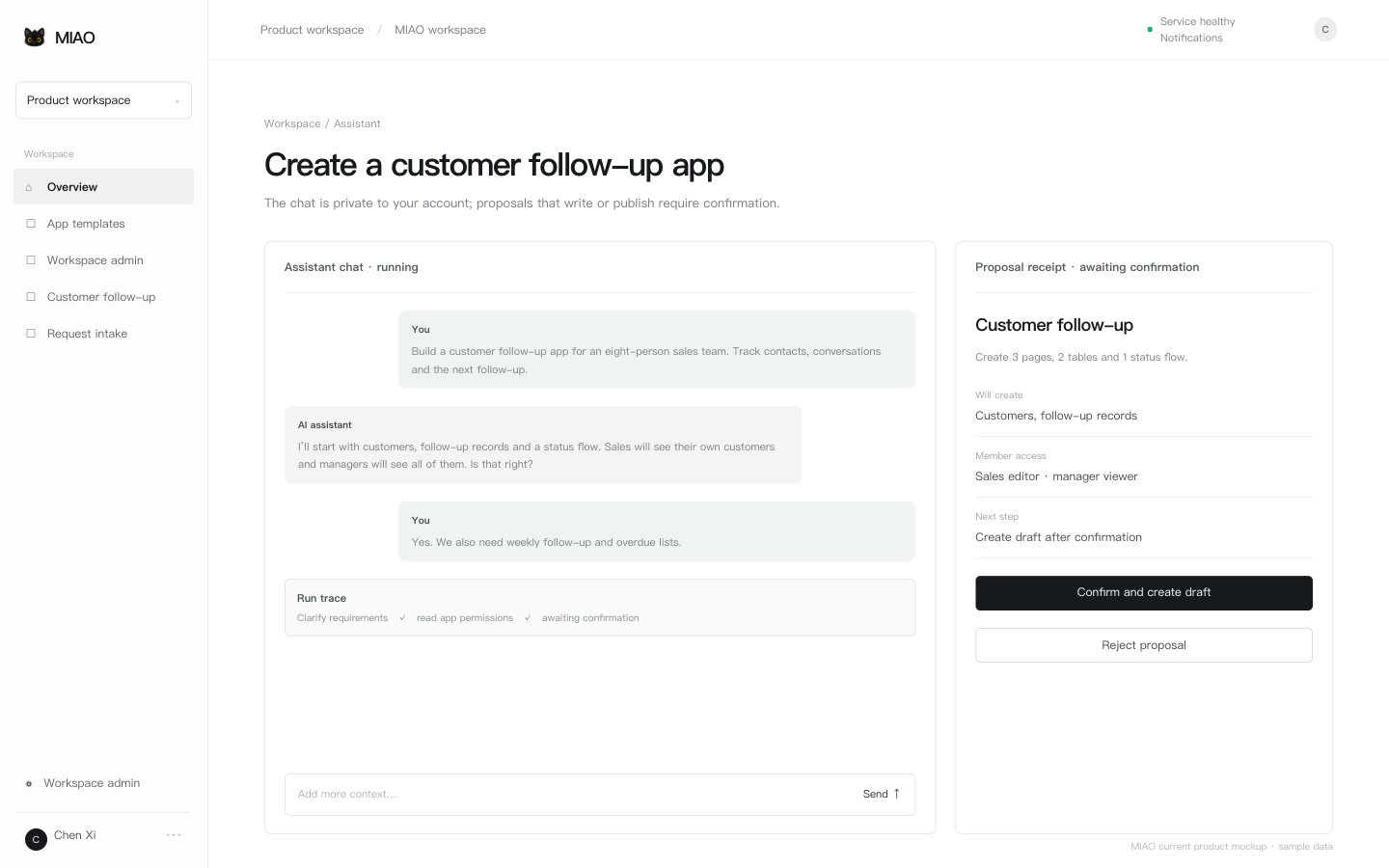 03 Create an appCreate a proposal with the assistant →
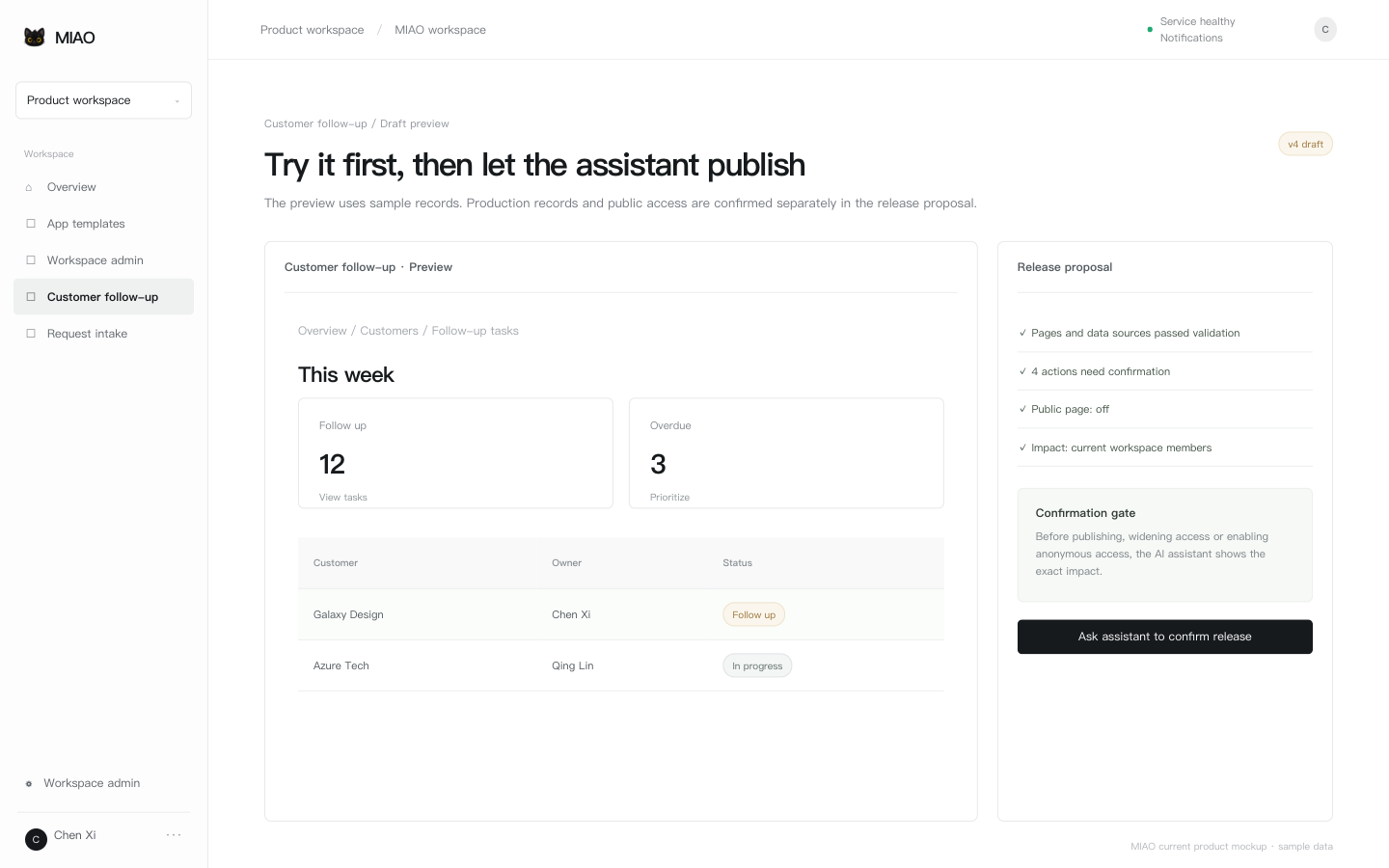 04 Preview and publishReview the draft, actions and release scope →
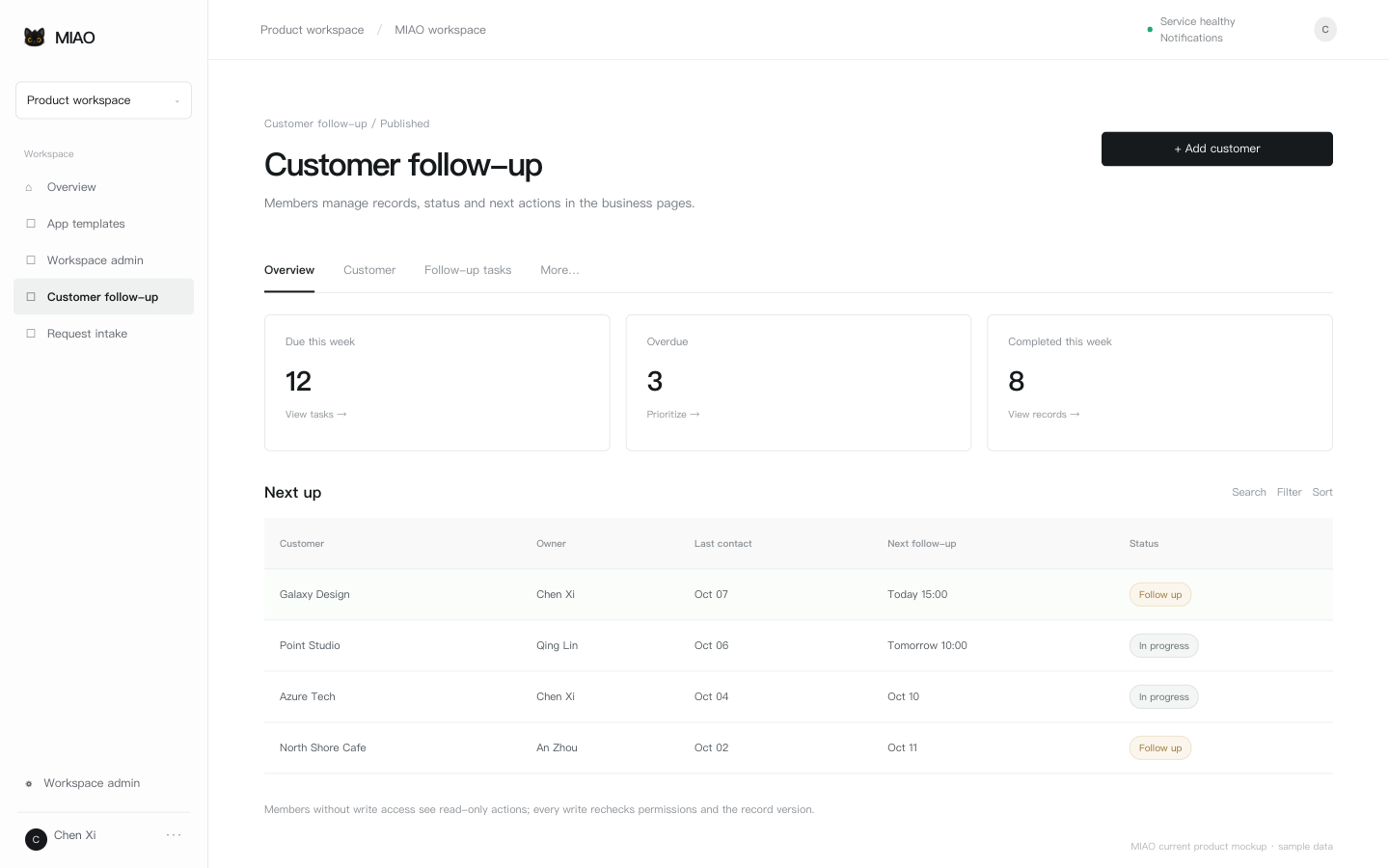 05 Daily workWork in a published app →
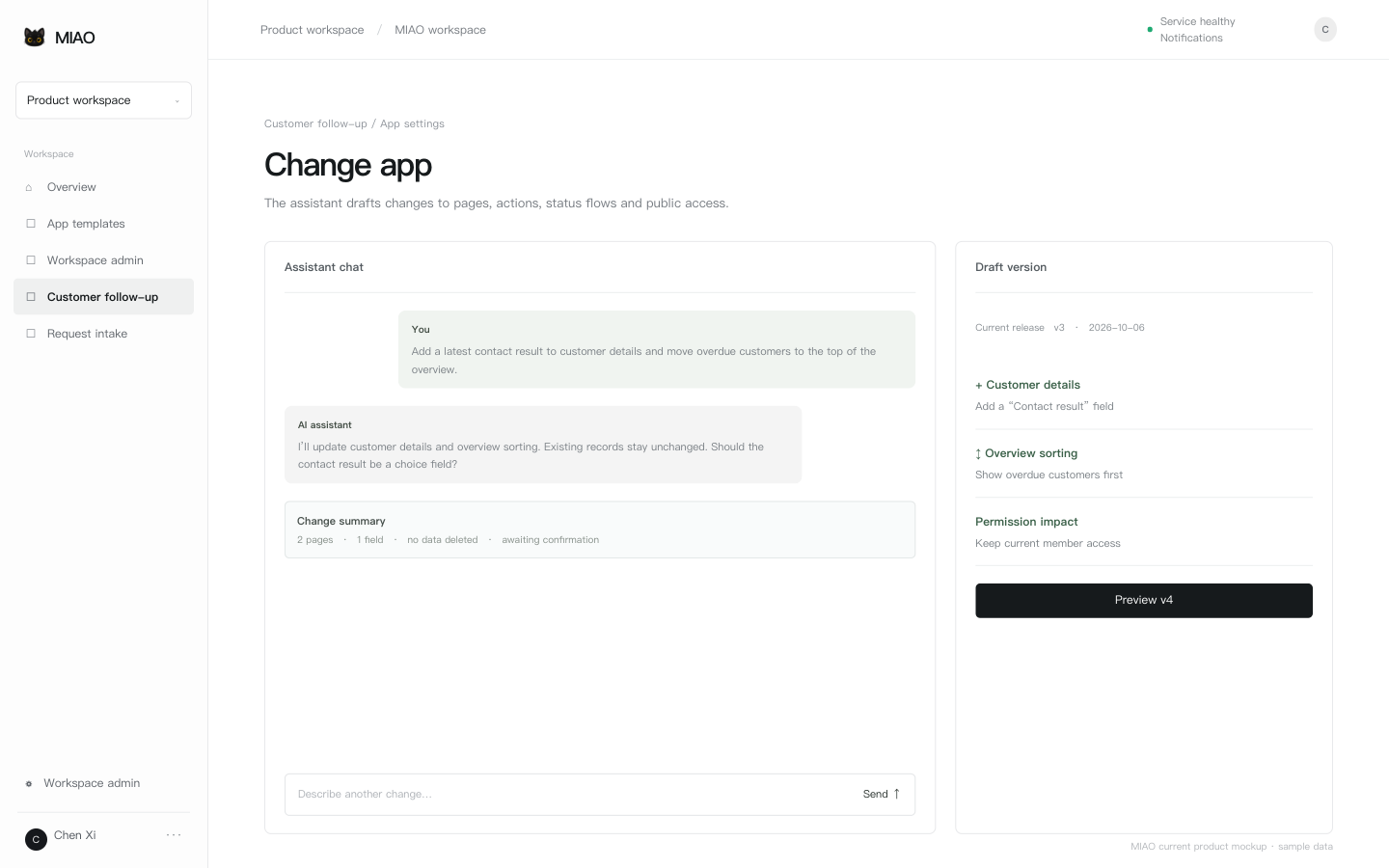 06 Change an appDraft changes in chat and review the diff →
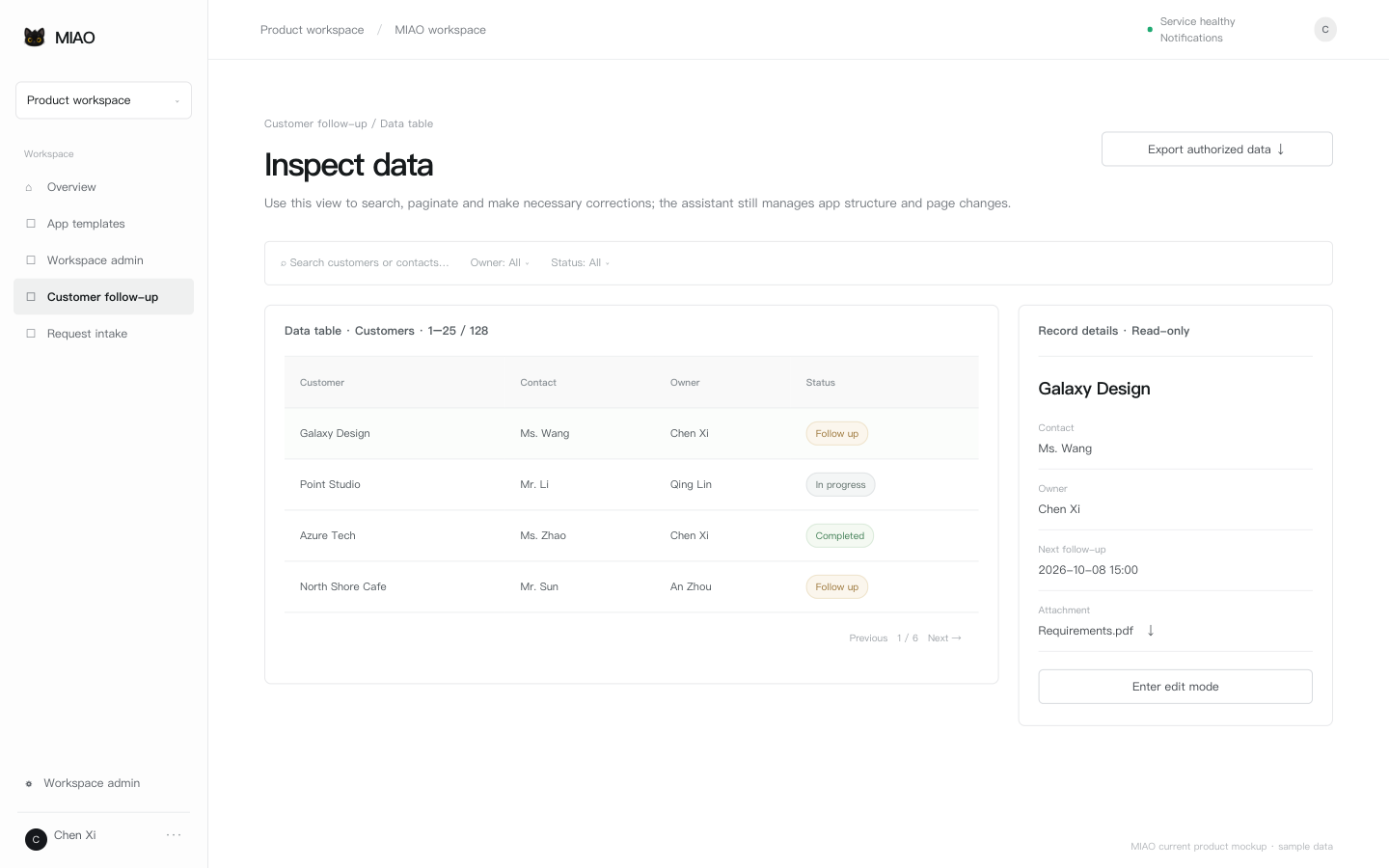 07 Data, files and exportsInspect tables and records →
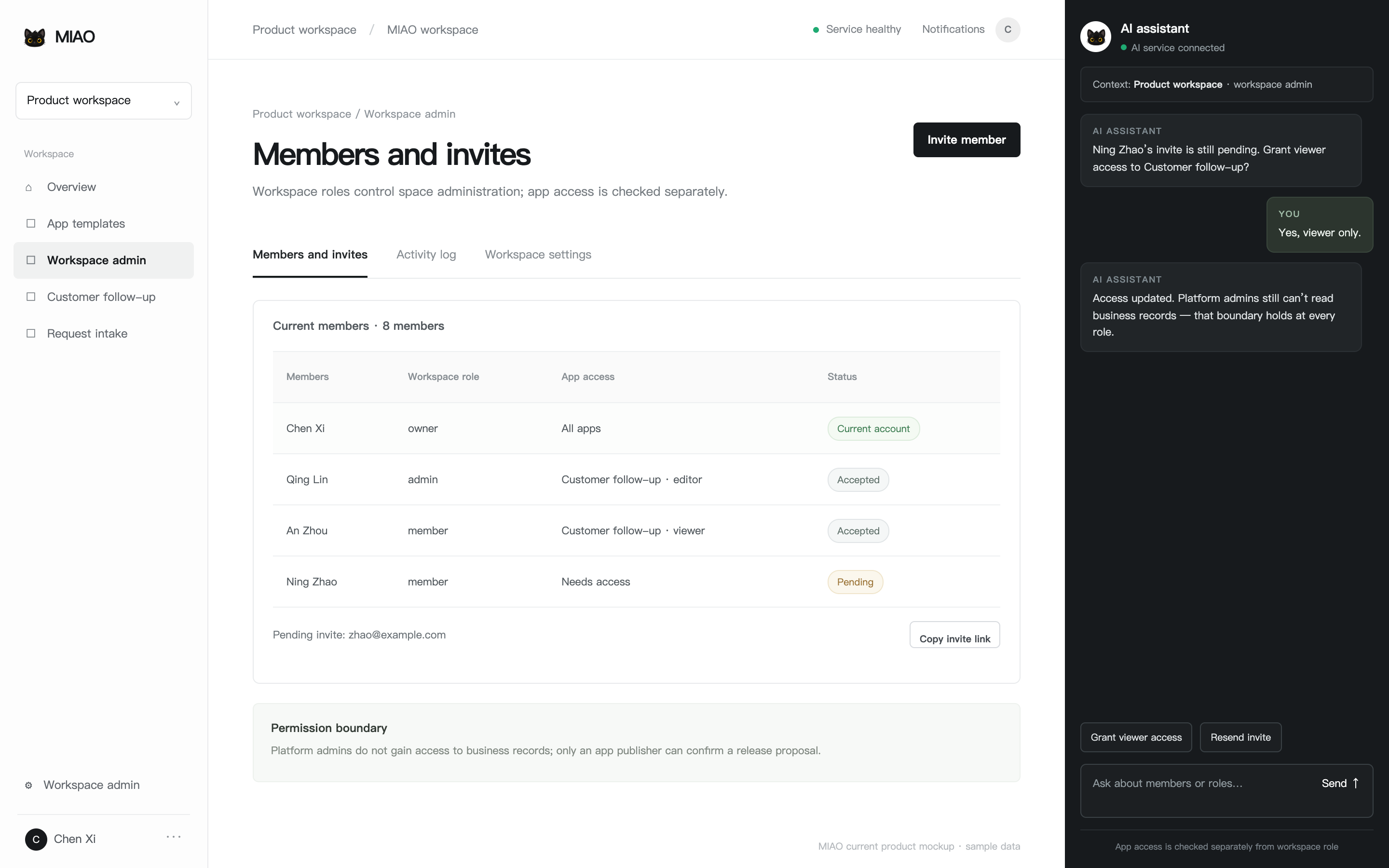 08 Members and permissionsWorkspace members and app access →
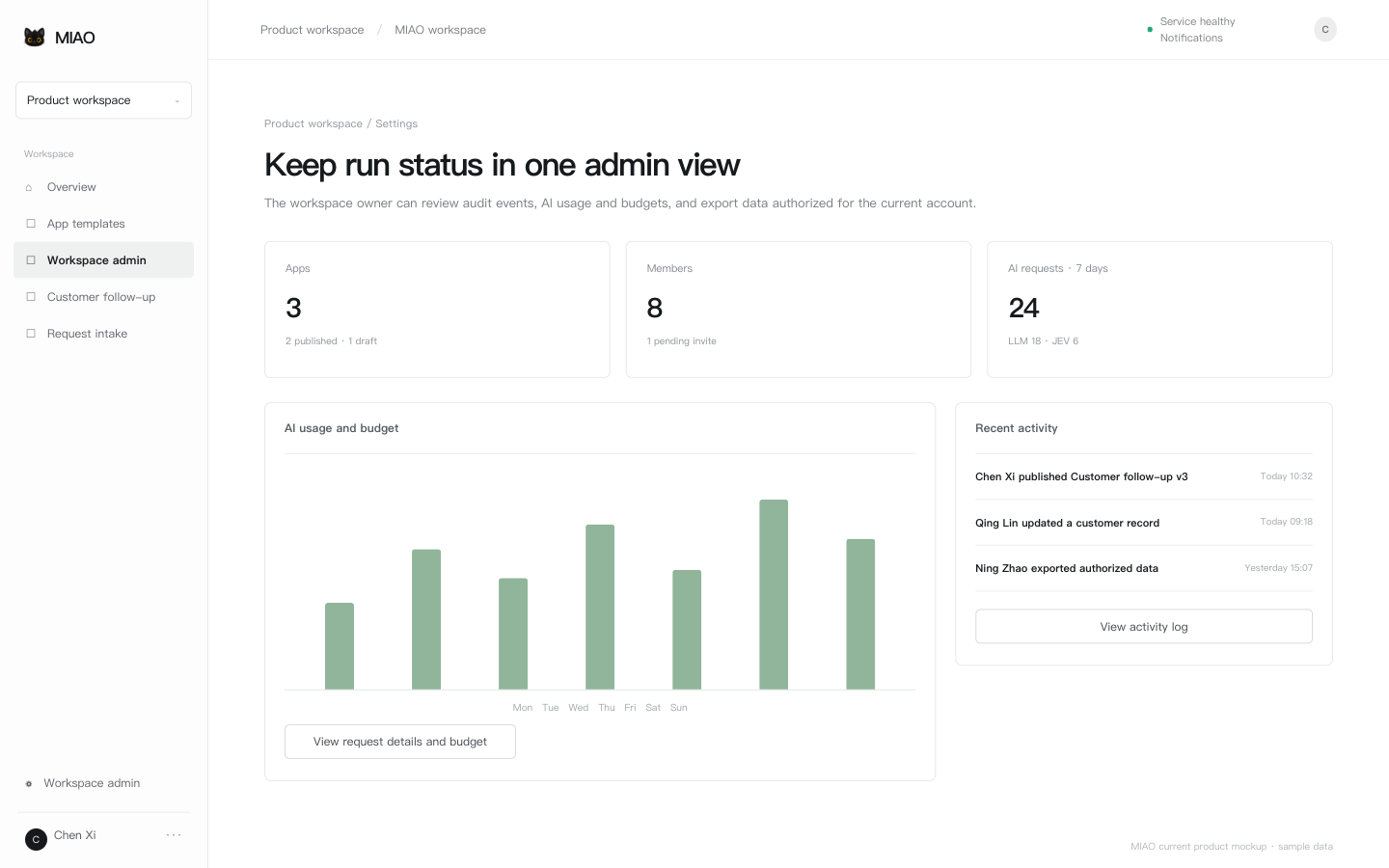 09 GovernanceUsage, budgets, exports and admin →
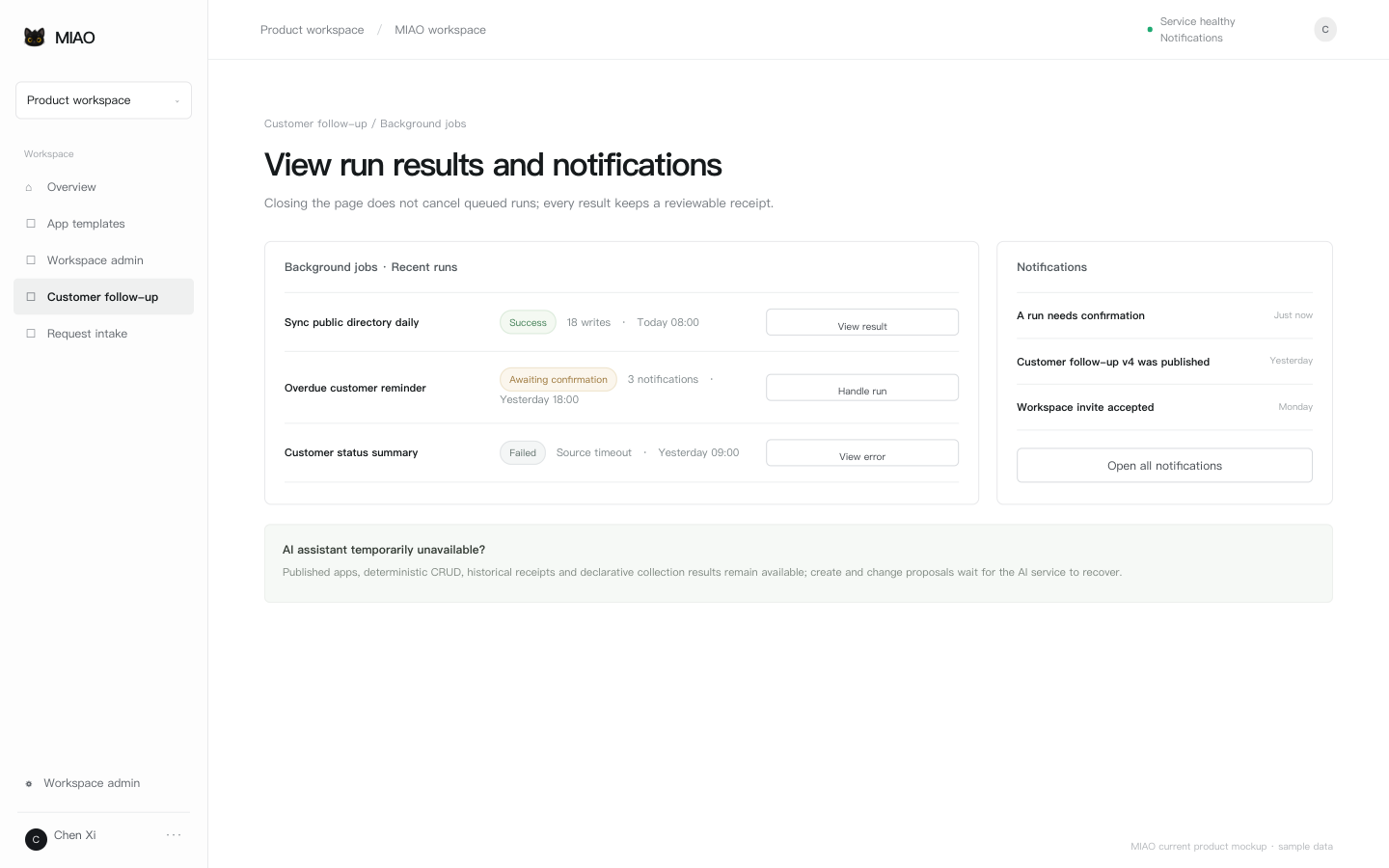 10 TroubleshootingNotifications, jobs and support →
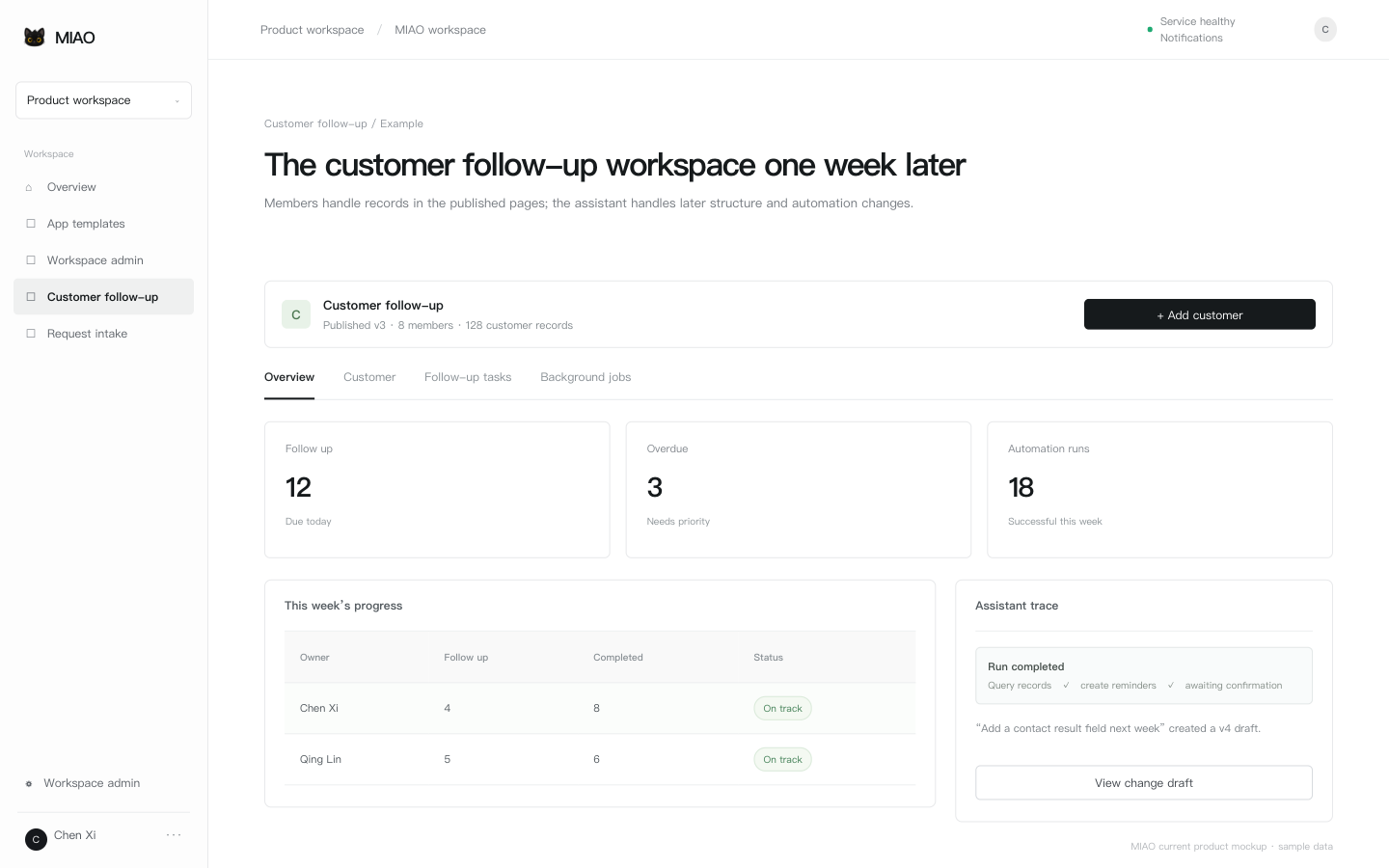 11 Worked exampleOne workflow from creation to daily use →
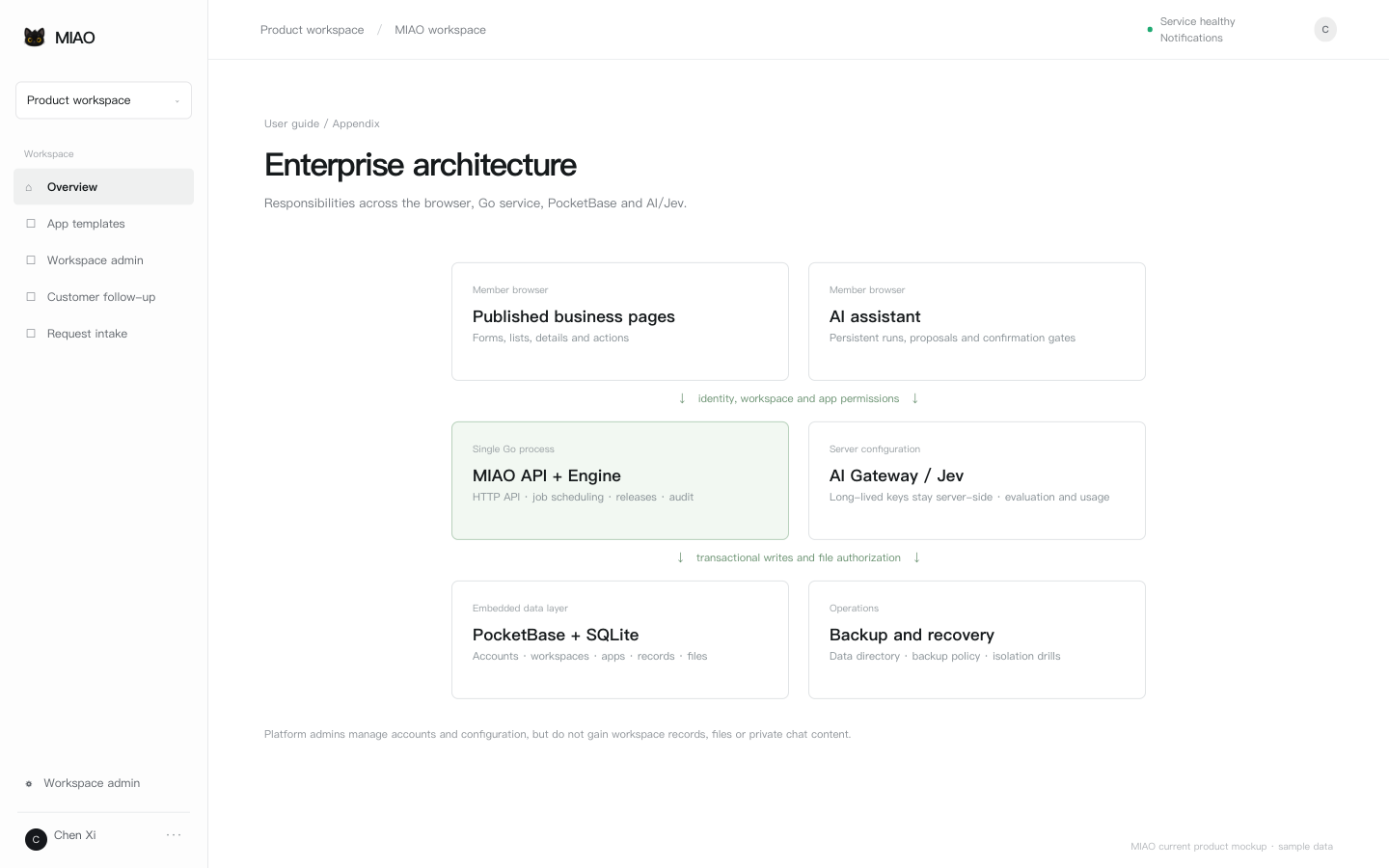 12 ArchitectureCurrent service, data and AI boundaries →